
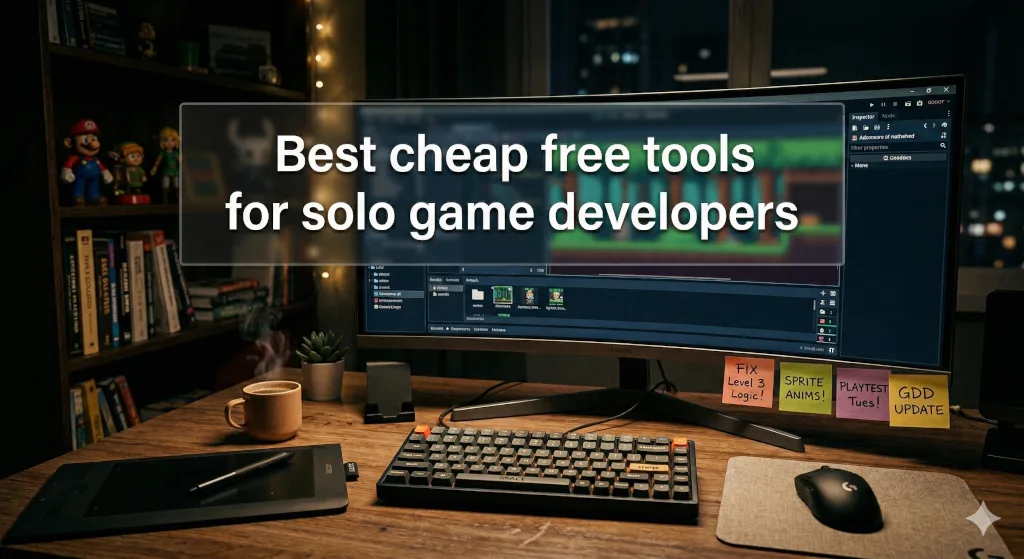
Building a video game from scratch as a solo developer is a monumental task. You are the programmer, the lead artist, the sound designer, and the marketing department all rolled into one. With so many hats to wear, managing your budget is just as critical as managing your code.
If you’re searching for the best cheap or free tools for solo indie game developers 2025 2026, you might be worried that “free” means “low quality.” Fortunately, that is no longer the case. The current landscape of game development software is incredibly generous, offering professional-grade applications at zero cost.
Whether you are building a stylized 2D platformer or a massive 3D adventure, here is the ultimate budget-friendly tech stack to bring your game to life in 2026.
1. The Core Engine: Where Your Game Lives
Your game engine is the foundation of your project. Today, solo developers have access to industry-leading engines without paying a dime upfront.
- Godot Engine (Free/Open-Source): Over the last few years, Godot has exploded in popularity, and for good reason. It is incredibly lightweight, features a highly intuitive node-based scene system, and uses GDScript (which is very beginner-friendly if you know Python). Because it is completely open-source under the MIT license, you own 100% of your game with absolutely zero royalties. It is undeniably the reigning champion for budget indie devs.
- Unity 6 Personal (Free Tier): Unity remains an industry standard. Following their recent pricing restructures in 2025, the Unity Personal plan is free to use until your game makes $200,000 in revenue or funding. It offers unmatched cross-platform export options (mobile, PC, console) and a massive asset store.
- GDevelop (Free/No-Code): If you have zero programming experience and want to rapidly prototype a 2D game, GDevelop is a visual, event-based engine that allows you to build complex logic without writing a single line of code.
2. 3D Modeling & 2D Art: Crafting Your World
Visuals are what will ultimately sell your game on platforms like Steam. You don’t need a $200/month subscription to create breathtaking art.
- Blender (Free): Blender isn’t just a budget option; it is a global powerhouse. From 3D modeling and sculpting to rigging, animation, and UI rendering, Blender does everything. Its 2025 and 2026 updates have only made its real-time rendering faster. It integrates flawlessly with both Godot and Unity.
- Krita (Free): If you are developing a 2D game or need to paint concept art and textures, Krita is the ultimate free alternative to Photoshop. It features an incredible brush engine specifically designed for digital painters and concept artists.
- Aseprite (Cheap): If pixel art is your chosen aesthetic, Aseprite is mandatory. For roughly $20, you get a dedicated pixel art tool featuring incredibly smooth timeline animation systems. It is the best $20 you will ever spend on your game.
3. Audio & Sound Design: Setting the Atmosphere
Bad audio can ruin a great game. Luckily, high-quality audio mixing doesn’t require an expensive studio setup.
- Audacity (Free): The undisputed king of free audio editing. Whether you need to trim voice lines, clean up background noise, or layer sound effects, Audacity is fast, lightweight, and gets the job done.
- LMMS (Free): Need to compose original music? LMMS is a free, open-source digital audio workstation (DAW) that allows you to produce melodies, beats, and full soundtracks without buying expensive software licenses.
- sfxr / jsfxr (Free): For developers making retro or 8-bit style games, this browser-based tool generates classic arcade sound effects (jumps, lasers, explosions) with a single click.
4. Production & Organization: Staying on Track
A common trap for solo devs is scope creep—letting your ideas get too big and never actually finishing the game. Project management is key.
- Notion (Free Tier): Notion is the perfect place to write your Game Design Document (GDD). You can build wikis for your game’s lore, create mood boards, and track your marketing assets all in one clean workspace.
- Trello (Free): A simple Kanban board is often all you need to track bugs and plan your weekly development sprints. Moving a card from “To-Do” to “Done” is a great way to maintain momentum.
Final Thoughts
The golden rule for solo developers is to pick a stack and stick to it. Bouncing between different software every week will kill your momentum. By utilizing this list of the best cheap or free tools for solo indie game developers 2025 2026, you have everything you need to build, polish, and launch a commercial-quality game without emptying your bank account.
Now I want to hear from you: Which of these tools are you currently using for your project? Or is there a hidden gem I missed? Drop a comment below and let’s discuss!
Leave a Reply