
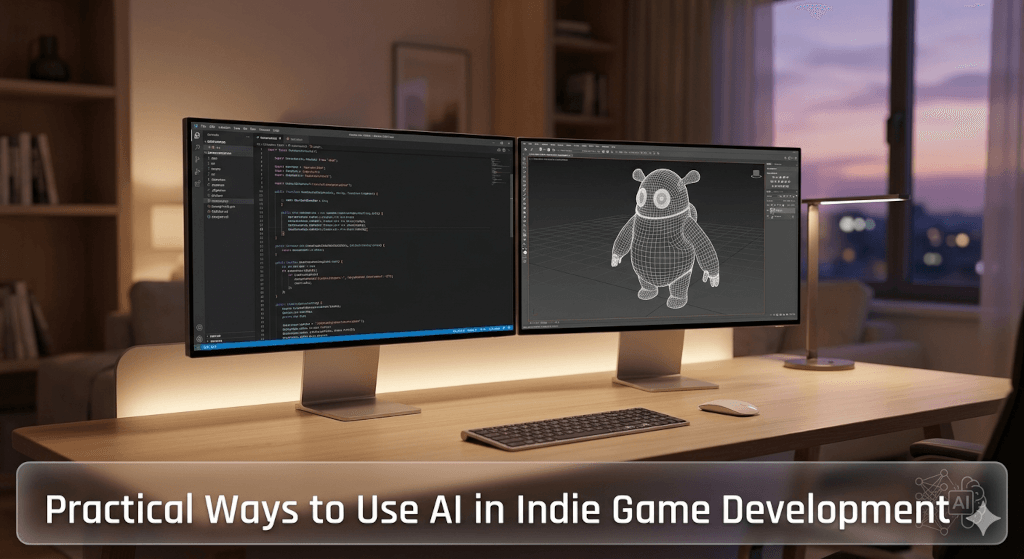
The game industry is undergoing a massive shift, and solo developers are in the best position to capitalize on it. Traditionally, managing code, art, audio, and level design single-handedly has been an inevitable bottleneck. Today, developers have access to enterprise-level productivity through AI.
By strategically deploying AI across key phases of production—specifically pre-production conceptualization, active programming, asset generation, and gameplay polish—you can shave hundreds of hours off your project timeline. AI is best used not as a replacement for your creative vision, but as a technical co-pilot for tedious tasks. Here is how to integrate tools like ChatGPT, GitHub Copilot, Midjourney, and ElevenLabs into your pipeline to stop doing busywork and start shipping games.
Watch Suggested Youtube Video
here are four key points it covers regarding a daily solo development workflow:
- Coding and Logic with ChatGPT: How to practically use text-based AI to troubleshoot engine issues, write C# scripts, and streamline the programming phase of development.
- Visual Prototyping with Midjourney: Generating rapid concept art, reference images, and potential 2D assets to establish the game’s art direction without spending days sketching.
- 3D Asset Generation with Meshy: Utilizing specialized AI tools designed to turn prompts or 2D reference images into usable 3D models and textures.
- Overall Workflow Optimization: Demonstrating how chaining these specific AI tools together significantly reduces the time spent on tedious busywork, allowing a single developer to scale their output and work much faster.
1. Writing and Debugging Code Faster
Writing the core logic of your game is where your unique design shines. Staring at a blank script trying to remember the exact syntax for a raycast or writing endless boilerplate code is not.
The Practical Application:
Generate Boilerplate: Use Large Language Models (LLMs) to generate the structural foundation of your C# scripts. Prompt an AI with your exact requirements to output the necessary classes, interfaces, and methods for complex systems, like a finite state machine for enemy AI.
- Debug Faster: AI is an exceptional debugging assistant. Instead of scouring documentation for hours, feed frustrating Unity compiler errors or logical bugs directly into an LLM to quickly spot syntax issues or memory leaks.
Related Topic
Master AI with This Simple Step-by-Step Roadmap
2. Creating 3D Assets and Textures Quickly
Bridging the gap between 3D modeling and engine integration is notoriously time-consuming. Unwrapping UVs and painting PBR materials can stall a project for weeks.
The Practical Application:
Concept Art Reference: Rapidly prototype environmental assets by using AI image generators to create highly specific concept art before you ever touch a vertex.
- Smart Materials: Inside software like Blender, use AI-driven add-ons to automatically generate seamless PBR materials—including albedo, normal, and roughness maps—based on simple text prompts. Establish visual identity immediately rather than tweaking nodes for days.
3. Automating Repetitive Tasks in Your Game Engine
One of the most overlooked areas for optimization is the game engine editor itself. Building tools to help build your game is the hallmark of a professional workflow.
The Practical Application:
Write Custom Scripts: Use AI to write custom editor scripts in Unity to automate the most soul-crushing, repetitive tasks.
- Bulk Automation: Quickly build tools to bulk-rename hundreds of imported assets, auto-assign specific materials based on naming conventions, or procedurally place foliage across a terrain. Spending 20 minutes prompting an AI can save you 20 hours of manual clicking down the road.
4. Making Temporary Audio and Brainstorming Story Ideas
A game feels dead until it has sound, but waiting for final voice acting or writing to be completed can kill your momentum during the prototyping phase.
The Practical Application:
Placeholder Voiceover: Flesh out your world before final assets are ready. AI voice generation tools can provide high-quality, temporary dialogue for your characters, allowing you to test timing, cinematic cuts, and narrative flow immediately.
- Brainstorming Lore: Use LLMs as a sounding board to brainstorm branching dialogue trees, generate lore documents, or populate the background details of your game world without waiting on external dependencies.
Conclusion: Saving Time and Staying Creative
Integrating AI into your workflow is about maximizing your most valuable resource: time. Whether you are generating boilerplate C#, texturing a Blender model, automating your Unity editor, or prototyping audio, AI accelerates the technical execution of your ideas.
It is a tool to enhance your unique vision, not replace the creative soul of your project. The developers who learn to direct these tools effectively are the ones who will successfully scale their ambitions and bring their games to market.
Tell us about the AI tools you are currently experimenting with in your own development pipeline in the comments below!

Leave a Reply