
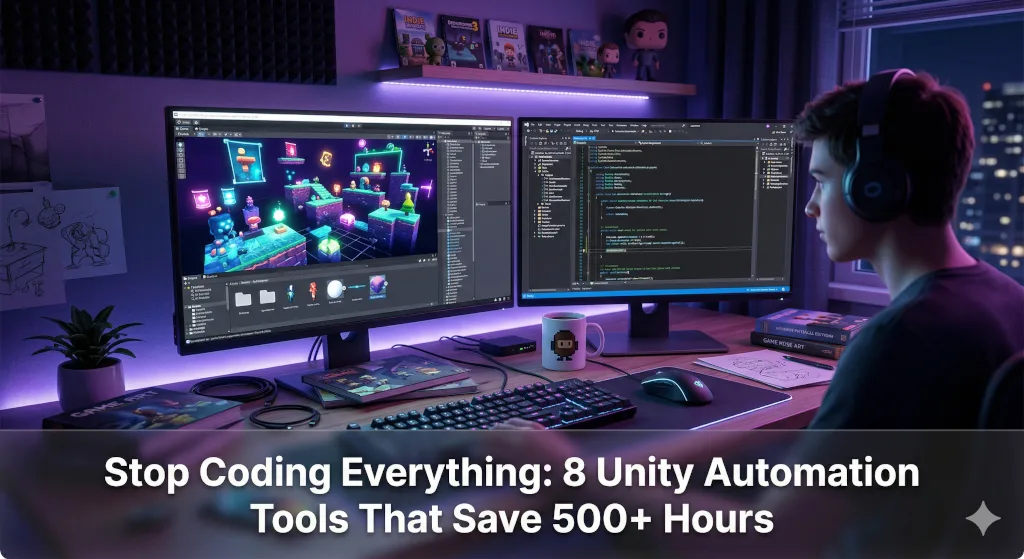
Be honest: how many unfinished Unity projects are currently sitting in your “Games” folder, gathering dust?
If you are a solo indie developer, you already know the brutal truth. Your game won’t fail because you lack talent. It will fail because you run out of time, energy, and motivation.
When you are the programmer, the artist, the level designer, and the QA tester, trying to code every single system from scratch is a one-way ticket to burnout. You aren’t building a game anymore—you’re building a prison.
The developers who actually launch successful Steam games share a ruthless secret: they automate everything they possibly can. They don’t build custom dialogue systems; they buy them. They don’t code camera shakes; they plug them in. They use a “virtual team” from the Unity Asset Store to handle the grunt work so they can focus on what actually makes their game fun.
If you want to move your game from a “forever prototype” to a shipped product, these 8 battle-tested tools are your new non-negotiables.
Section 1: Protect Your Mental Energy (Workflow Tools)
Every time you have to fight the Unity Editor, you lose a drop of creative energy. These tools eliminate the friction between your brain and the screen.
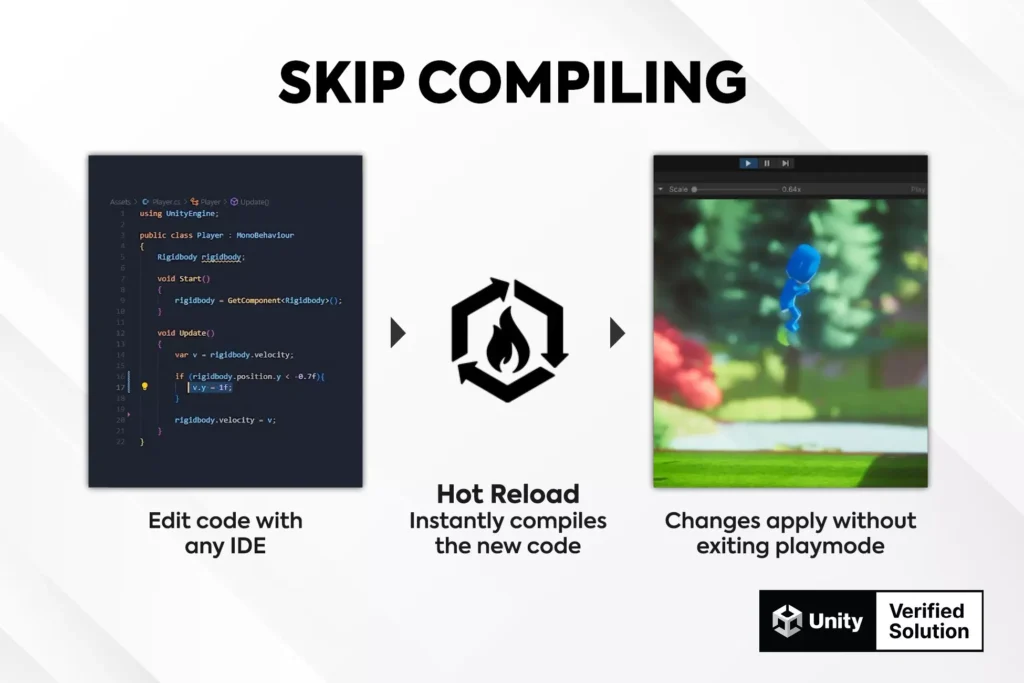
1. Stop the Compile-Wait Brain Drain: Hot Reload for Unity
The Pain: You change one line of code, hit save, and stare at a 20-second loading bar. By the time Unity finishes compiling, you’ve lost your train of thought. Do this 100 times a day, and you’ve wasted an hour just waiting.
The Solution: Hot Reload patches your C# code in memory while the game is running.
- The Unfair Advantage: Instant State Preservation. You can literally pause during a boss fight, tweak the enemy’s damage logic, hit save, and unpause. Your game doesn’t restart. The variables don’t reset. You just keep playing.
- Under the Hood: It bypasses Unity’s heavy Domain Reload entirely using a custom compiler and IL injection.
💡 The Psychological Win: You stay in the “flow state” 100% of the time. No more broken concentration.
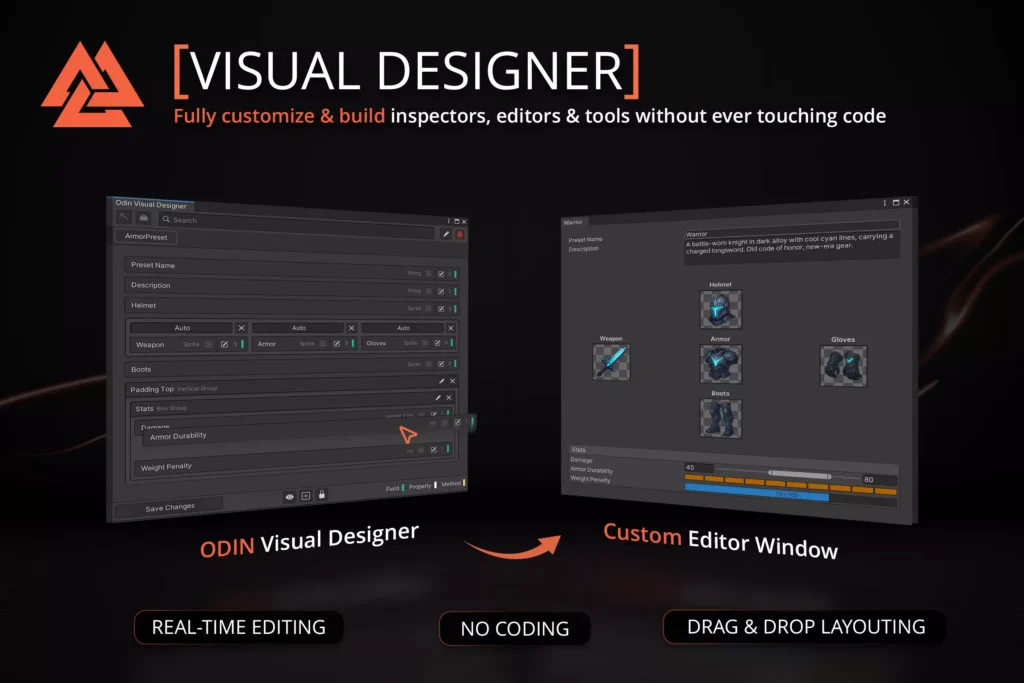
2. Take Control of Your Data: Odin Inspector and Serializer
The Pain: Your game’s backend is a tangled mess of arrays and variables. Tuning weapon stats or RPG inventory feels like doing taxes because Unity’s default inspector is so limited.
The Solution: Odin Inspector turns your messy data into a clean, visual command center with zero custom Editor scripting.
- The Unfair Advantage: Advanced Serialization. Unity natively refuses to save complex data like Dictionaries or Polymorphic classes. Odin fixes this, allowing you to build deep, AAA-level systems without fighting the engine.
- Under the Hood: Uses a high-performance reflection system to replace Unity’s standard drawing engine with simple
[Attributes].
💡 The Psychological Win: A clean workspace equals a clear mind. Game balancing becomes fun rather than a chore.
Section 2: Cure “Blank Canvas” Syndrome (World Building)
Level design fatigue is the number one reason indie games get abandoned. Automate the placement so you can focus on the art direction.
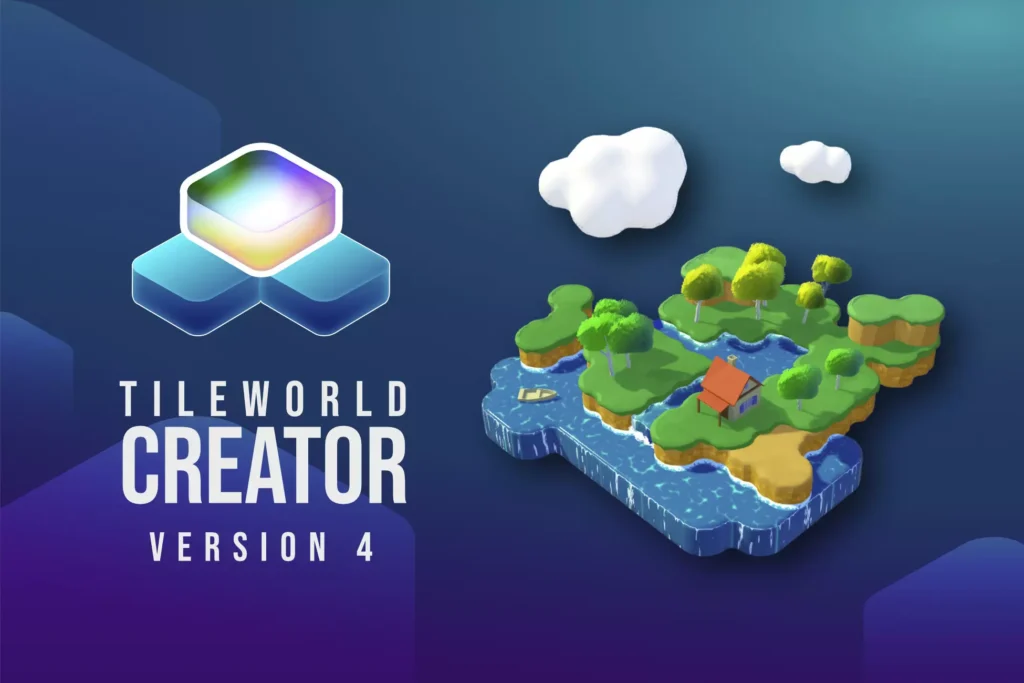
3. Paint Your Worlds: TileWorldCreator 4
The Pain: Manually dragging, dropping, and rotating thousands of wall and floor prefabs to build a single dungeon is soul-crushing work.
The Solution: TileWorldCreator 4 lets you “paint” your levels. You define the rules; the tool does the math.
- The Unfair Advantage: Procedural Rule Engine. If you paint a floor tile next to an empty void, the tool instantly detects it and swaps the model for a “Wall” or “Corner” piece. What used to take a weekend now takes 15 minutes.
- Under the Hood: Leverages Wave Function Collapse logic and the Unity Mesh API to combine meshes, ensuring your massive levels don’t destroy your frame rate.
💡 The Psychological Win: Immediate visual gratification. You see your world come to life instantly, keeping your motivation sky-high.
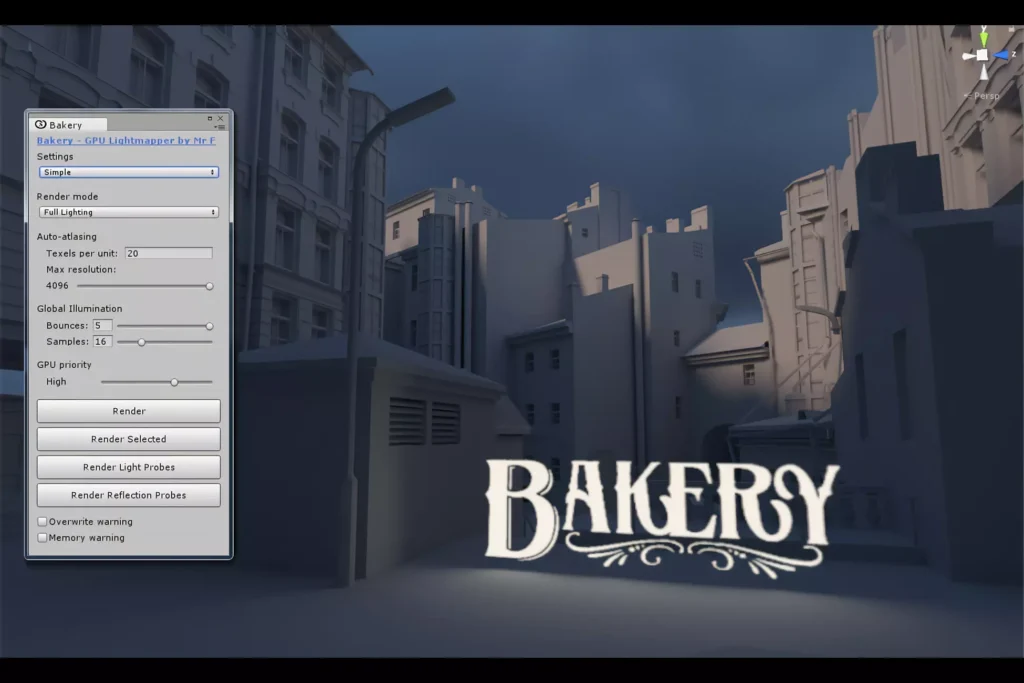
4. Fake a AAA Budget: Bakery (GPU Lightmapper)
The Pain: Unity’s built-in lightmapper is agonizingly slow. You wait hours to bake a scene, only to realize a shadow looks wrong, forcing you to start all over again.
The Solution: Bakery moves the heavy lifting to your Graphics Card (GPU), rendering breathtaking lightmaps in minutes.
- The Unfair Advantage: RTX Optimization. It utilizes dedicated OptiX ray-tracing cores to deliver physically accurate light bounces and soft shadows that usually require a dedicated technical artist to achieve.
- Under the Hood: A standalone C++ engine using CUDA kernels for zero-overhead path tracing.
💡 The Psychological Win: Eliminates Imposter Syndrome. Your game instantly looks like a commercial product, giving you the confidence to show it off.
Related Topic
I Tested 20 “Free” AI Tools. Here Is The Only Zero-Budget Pipeline That Actually Works.
Section 3: The “Game Feel” Shortcut
Players judge your game in the first 3 seconds of picking up the controller. If it feels stiff, they refund it.
5. Instant Polish: FEEL by More Mountains
The Pain: Writing individual coroutines for camera shakes, UI bounces, time-stops, and haptic feedback is a massive productivity sinkhole.
The Solution: FEEL is a plug-and-play library of over 130 “juice” effects.
- The Unfair Advantage: Stackable Feedbacks. You can chain a screen shake, a chromatic aberration flash, a sound effect, and a controller rumble into a single “Play” command. It is literally polish-in-a-box.
- Under the Hood: A highly optimized Logic Trigger system that safely interacts with Unity’s Post-Processing Stack without causing lag spikes.
💡 The Psychological Win: Turns “boring” mechanics into deeply satisfying dopamine hits for your players.

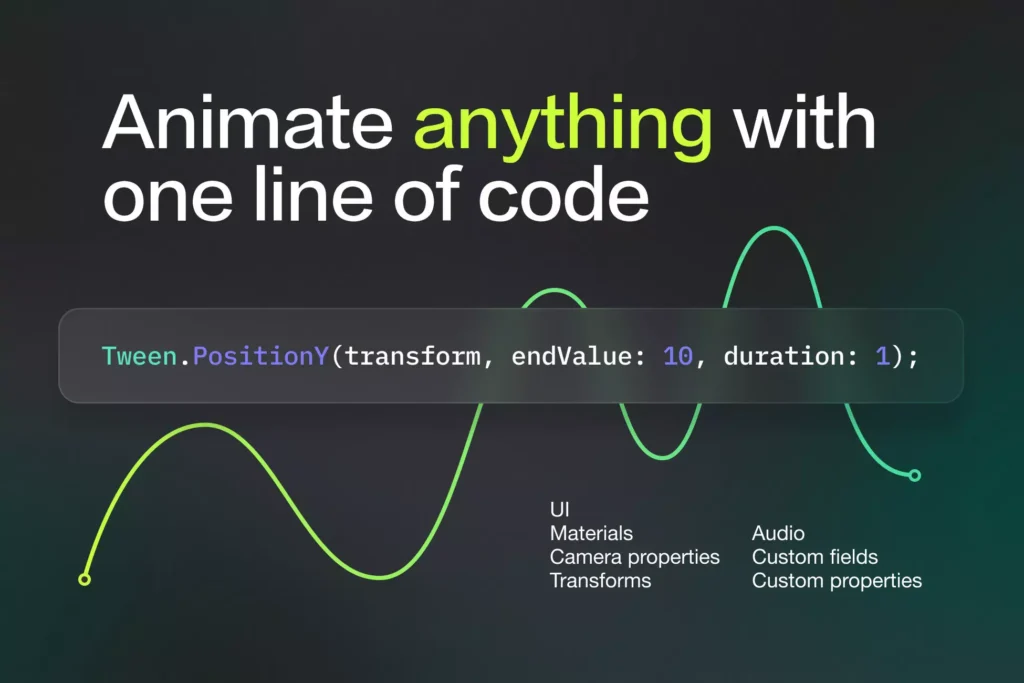
6. Frictionless Animation: PrimeTween
The Pain: Fighting with Unity’s heavy Animator window just to make a UI button slide onto the screen or a coin spin in the air.
The Solution: PrimeTween replaces the clutter with a single line of C# code.
- The Unfair Advantage: Zero-Allocation Architecture. Unlike older tweening engines, PrimeTween generates zero “garbage” in memory. This means no random micro-stutters interrupting your player’s experience.
- Under the Hood: Uses Unity.Mathematics and SIMD optimization to calculate millions of animations effortlessly.
💡 The Psychological Win: Removes the dread of animating UI. It just works, smoothly and instantly.
Section 4: Outsource the Hard Math (AI & Narrative)
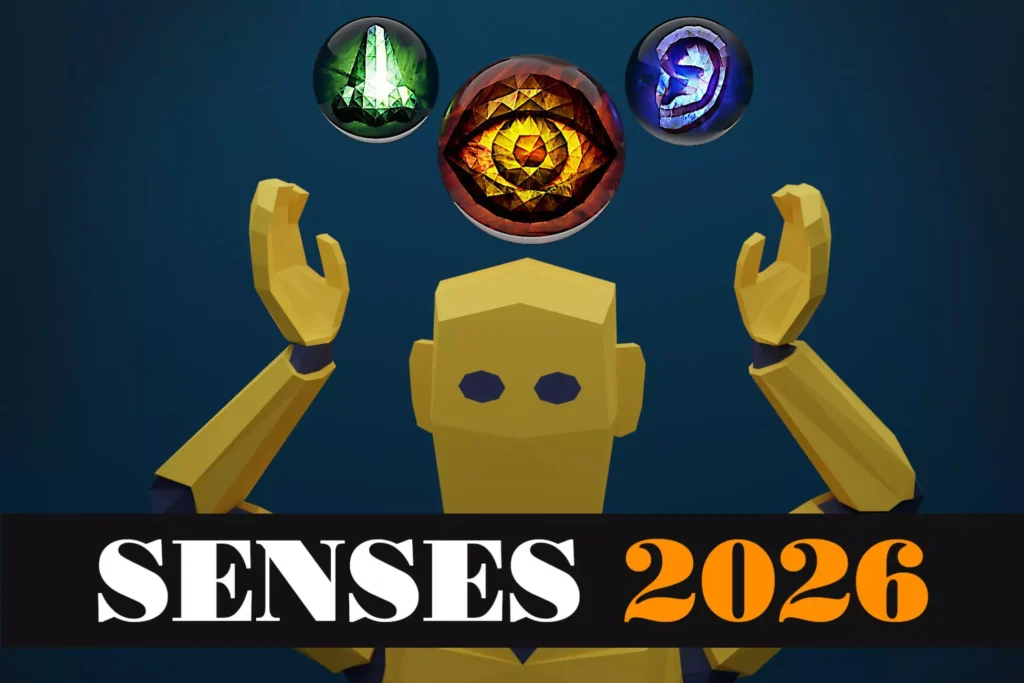
7. Plug-and-Play AI: Senses 3
The Pain: Coding an enemy that can dynamically hunt a player requires complex raycasting, field-of-view math, and optimization logic that can take months to perfect.
The Solution: Senses 3 gives your NPCs a brain instantly.
- The Unfair Advantage: Multi-Sensory Logic. Don’t just give them eyes. Let your NPCs “smell” a player’s trail or “hear” footsteps echoing through walls with realistic fall-off distances.
- Under the Hood: Leverages Spatial Partitioning and geometric physics checks so your CPU doesn’t catch fire even with 50 enemies on screen.
💡 The Psychological Win: AI stops being a scary technical hurdle and becomes a fun, emergent playground.
The Verdict: The “50/50 Rule” to Finishing Your Game
If you want to actually release your game, write this on a sticky note and put it on your monitor:
“I will spend 50% of my time on the unique hooks that make my game mine, and I will automate the other 50%.”
Every hour you spend coding a custom camera shake is an hour you steal from designing a great boss fight. Stop playing the role of a “Tools Programmer” and step into your real job: Game Director. These tools aren’t an expense. They are the cheapest development team you will ever hire. Grab them on the Unity Asset Store and finally finish your game.
Join the Solo Dev Trenches!
We all have that one bottleneck that makes us want to quit. What is yours? Or, what is the one Asset Store tool that single-handedly saved your project?
Drop a comment below! I read every single response. Let’s share our shortcuts and help each other get across the finish line.
Leave a Reply