
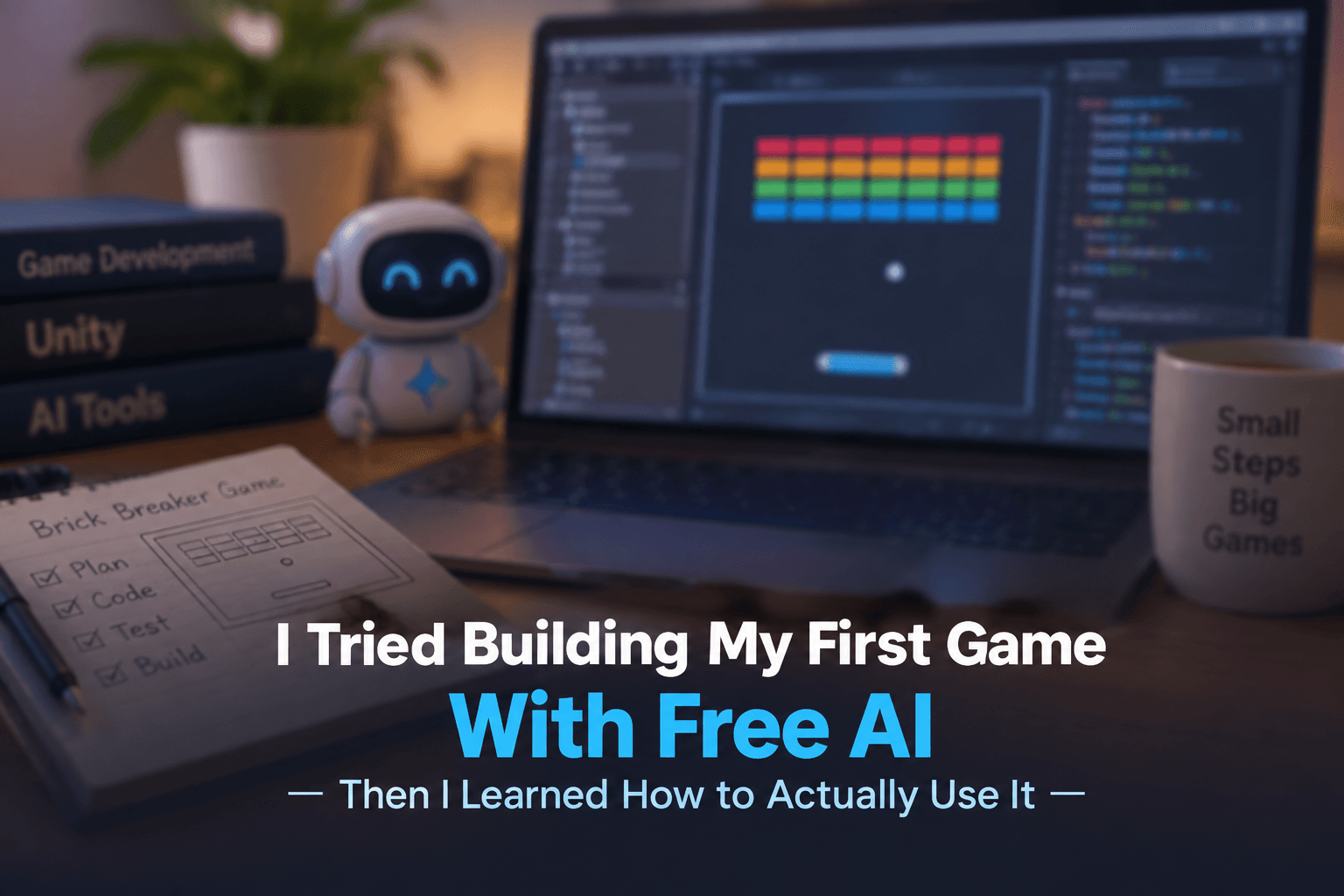
I always wanted to know how far I could go as a solo game developer with the help of AI. So I decided to try something simple: building a 2D game similar to Brick Breaker using the free version of Gemini.
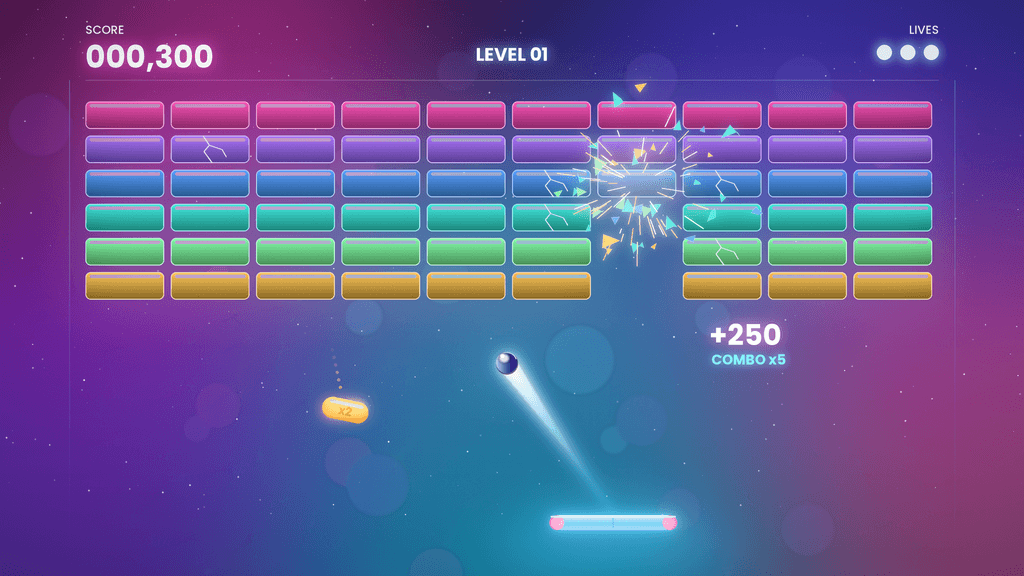
The game itself wasn’t complicated. It would have a paddle at the bottom, a ball bouncing around the screen, a group of bricks at the top, a score, and a win condition. For an experienced game developer, this is a relatively small project. With the right resources and some preparation, a basic version could probably be built in a day.
But I wasn’t trying to prove that I could build a Brick Breaker. I wanted to find out whether AI could guide me through the entire process, from the initial draft to a finished game. What happened during that experiment taught me something much more valuable than simply learning how to build a small game.
My setup
- Game: a 2D game in the style of the classic brick breaker
- Game engine: Unity 6.3 LTS (6000.3.21f1)
- Code editor: Visual Studio Community 2026, where I wrote and edited my scripts
- AI assistant: the free version of Google Gemini
My First Prompt
I started with a simple request:
“Help me in creating a 2D game like ‘Brick Breaker’ from drafting to finished product with explanation in each step.”
The response initially surprised me. Gemini didn’t immediately throw a large block of code at me. Instead, it started laying out the development process, covering the game concept, planning, production stages, and the different steps involved in creating the game. It felt as though I had someone guiding me through the project, and I thought the process was going to be much easier than I had expected.
So I followed the plan and moved from planning into development. That was when things started to go wrong.
When the Plan Started Falling Apart
The initial planning was clear, but as I moved deeper into development, some important pieces started disappearing. Some scripts were missing, some implementation steps were skipped, and at certain points Gemini seemed to assume that I had already completed something even though I hadn’t.
For example, I might reach a step where I expected the script for a particular system, only to find that the conversation had already moved on as if that script existed. I would then have to work backward to figure out what was missing and where I was supposed to get it from.
That became frustrating very quickly, especially because game development involves many different things that have to work together. Game objects, components, physics, colliders, scripts, scene setup, input, UI, and game logic all have to be configured correctly. When one important piece is skipped, the consequences may not appear until much later.
Take something as simple as the ball in a Brick Breaker game. The ball needs movement, physics, collision detection, interaction with the paddle, interaction with the walls and bricks, and a way to detect when it falls below the paddle. If one of these pieces is missing or incorrectly configured, another part of the game can behave unexpectedly. When you’re following an AI-generated plan, however, it isn’t always obvious which missing piece caused the problem.
I became frustrated and eventually gave up.
Looking back, the interesting part wasn’t that I had failed to build a simple game. The project itself wasn’t particularly difficult. The real problem was that I had approached AI as though it could keep track of the entire development process for me.
That assumption was about to change.
Then I Learned About Context Windows
Later, I came across something that changed the way I understood what had happened: AI models have context windows.
In simple terms, an AI model can only work with a certain amount of information at a time. The exact limits vary depending on the model and the plan, but the practical problem is easy to understand when you look at what had accumulated in my conversation.
I had started with the game idea and then added the game design, development plan, scripts, explanations, changes, errors, debugging discussions, and more scripts. The conversation kept growing as the project became more complicated.
I had effectively asked the AI to keep track of an entire game project inside one long conversation.
That was when I realized I wasn’t giving AI a manageable problem. I was giving it the whole game.
Once I understood that, I started thinking about the problem differently.
Stop Building the Game as One Big Problem
Instead of asking AI to build the entire game from beginning to end, I started thinking about the smallest problem I needed to solve at that moment.
For a Brick Breaker, that might simply mean getting the ball to move correctly. There was no need to involve the bricks, score, menus, sound, or win conditions until the basic movement was working.
I could ask AI to help create the ball movement script, implement it in the project, run the game, and observe the result. If the ball worked correctly, I could move to the next system. If it didn’t, I could focus the conversation entirely on the ball instead of bringing the rest of the game into the discussion.
For example, rather than saying, “My game isn’t working,” I could give AI a much more specific problem: “The ball starts moving correctly, but after hitting the wall it almost stops. Here is my current script and Rigidbody configuration. Help me find the cause without changing unrelated parts.”
That is a much more useful problem for an AI model to solve because it has a clear objective and actual information about what happened.
Build the Paddle Separately
Once the ball was behaving correctly, the next problem could be the paddle. Its job is relatively simple: it needs to move left and right and remain within the boundaries of the game.
There is no reason to involve the score, bricks, menus, or other systems while solving that problem. Get the paddle working first, then move forward.
This approach gives a solo developer something extremely valuable: a clear place to look when something breaks. If the entire game is generated at once and something goes wrong, debugging can quickly become overwhelming because there are too many possible causes. When the game is built in smaller systems, the area you need to investigate is much smaller.
Bring the Systems Together
Once the ball and paddle are working independently, the next step is to make them interact.
This is where another important lesson becomes clear: code isn’t the whole game. An AI-generated script can look perfectly reasonable and still fail because something in the project configuration is wrong.
For a simple collision system, several things may need to be checked, including colliders, Rigidbody settings, physics layers, collision detection, trigger versus collision events, tags, physics materials, and object positions.
So if the ball isn’t bouncing correctly, don’t immediately assume that the script is the problem. The issue could be somewhere in the scene or physics configuration.
It is also worth changing one thing at a time. If you change five settings simultaneously and the problem disappears, you still won’t know which change actually fixed it. Making smaller changes may feel slower, but it gives you a much better understanding of your project.
Now Add the Bricks
Once the ball and paddle are working, we can finally introduce the part that gives the game its identity: the bricks.
Again, there is no need to solve the entire brick system in one prompt. Start with one brick and make the basic interaction work. The first goal could simply be detecting when the ball hits the brick and removing it.
Once that works, move on to creating multiple bricks. Then create a simple layout. After that, track how many bricks remain and eventually trigger the win condition when all of them have been destroyed.
Each step builds on the previous one. You’re no longer asking AI to solve an entire game. You’re asking it to help you solve the next problem.
That difference may seem small, but for a solo developer it can completely change the experience of working with AI.
The Danger of Code That Almost Works
One of the trickiest situations when using AI isn’t completely broken code. It is code that almost works.
The ball moves, the paddle works, the bricks disappear, and the score increases. Everything looks fine until you notice something strange. Maybe the ball gets stuck. Maybe it starts moving almost horizontally and never reaches the bricks. Maybe it occasionally passes through a brick. Maybe the last brick disappears, but the game doesn’t recognize that you’ve won.
These are normal development problems, and AI doesn’t magically remove them.
When you’re working with AI-generated code, you need to be especially careful because code can look convincing while still making assumptions that don’t match your project. A script might be logically valid but depend on a component, object name, tag, layer, or configuration that doesn’t exist in your project.
When something almost works, it is better to treat that as useful information rather than a reason to stop. The unexpected behavior tells you something about the system you are building. Describe what happened to the AI, provide the relevant code and configuration, and investigate the problem one step at a time.
That mindset is important for solo developers because development is rarely a straight line. Problems are part of the process, whether the code was written by you, generated by AI, or produced by a combination of both.
Give AI the Right Context
Another important lesson I learned is that AI needs context, but it doesn’t necessarily need all of the context. It needs the right context.
Compare a question like “My game isn’t working. Fix it” with a much more specific question such as: “My Brick Breaker ball moves correctly at the beginning, but when it hits the paddle it sometimes travels almost horizontally and never returns toward the bricks. Here is the current Ball script and paddle collision code. I’m using [engine/version]. What could be causing this behavior?”
The second question gives AI something concrete to investigate. It tells the model what you expected, what actually happened, and which part of the project you believe is involved.
When something goes wrong, it helps to provide four pieces of information:
- What you expected to happen
- What actually happened
- The relevant code or settings
- What you have already tried
This turns a vague request into a debugging problem. The more clearly you describe the problem, the less AI has to guess.
Don’t Give AI the Steering Wheel
There is another trap I discovered while experimenting with AI. It can make development feel incredibly fast. You ask for something, it generates code, you paste it into the project, and something works.
That success naturally encourages you to ask for more.
Eventually, you might ask AI to generate your player controller, enemy system, inventory, save system, UI, audio manager, level manager, and combat system all at once. You may receive a lot of code, but then you face a bigger question: do you understand your own project?
As a solo developer, that question matters.
If something breaks and you don’t understand how the system works, you’ll have difficulty fixing it—even with AI. You can ask AI to fix the problem, but if you don’t understand the underlying system, you may simply end up adding another layer of generated code on top of the existing problem.
A better approach is to use AI to increase your understanding rather than replace it. Ask it to explain a script, explain why a particular approach was chosen, identify the assumptions behind the code, provide a simpler implementation, or describe what could go wrong with the approach.
Those questions turn AI from a code generator into a learning tool.
Free AI Is Still Useful
This is probably the most important thing I took away from the experience.
You don’t necessarily need an expensive AI subscription to start experimenting. I started with a free version, and it was enough to teach me something important: the value of AI isn’t determined only by how powerful the model is. It is also determined by how effectively you use it.
A free AI model can still help a solo developer understand unfamiliar code, explain programming concepts, generate starting implementations, investigate bugs, brainstorm mechanics, design systems, explain error messages, refactor small pieces of code, create documentation, and explore different approaches.
But there is an important condition: you have to stay involved.
AI can help you move faster, but you still need to understand what you are building and verify that the result actually works.
Your Context Window Is a Development Constraint
My first failed attempt made this much clearer to me.
A game project gradually accumulates information. You start with a simple idea such as “I want to make a Brick Breaker.” Then you add game rules, controls, scripts, scene structure, physics, bugs, fixes, new features, and more decisions.
Eventually, a single conversation can become difficult to manage.
Instead of putting everything into one giant conversation, it can be useful to divide the work into related areas. You might have one conversation focused on game design, another on the ball system, another on the paddle, another on the brick system, and another on overall game management.
You don’t necessarily need a separate conversation for every tiny task. The idea is simply to keep related problems together and avoid turning one conversation into the entire history of your game.
You’re giving AI a manageable problem space instead of asking it to remember every decision you’ve made since the beginning of the project.
Build Small and Test Often
This is ordinary software development advice, but when you’re using AI, it becomes even more important.
If AI gives you hundreds of lines of code and you immediately add all of them to your project, you’ve created a debugging problem before you’ve even played the game.
A better approach is to use a simple development loop: ask, implement, run, observe, report, fix, and continue.
For a Brick Breaker, that might mean getting the ball working first, then the paddle, then their collision, followed by one brick, multiple bricks, scoring, the win condition, lives, UI, and finally polish.
Every successful step becomes a foundation for the next one. If something breaks, you have a much smaller area to investigate, and you can give the AI focused information about what went wrong.
More importantly, you are learning how your own game works as you build it.
The Real Advantage for a Solo Developer
The biggest change wasn’t that AI suddenly became smarter. My approach became smarter.
At first, I wanted AI to take me from an idea to a finished game. Now I see it differently. AI becomes much more useful when I clearly define the problem I’m trying to solve.
That means the developer still has an important role. I decide what I’m building, understand the goal, test the result, recognize when something doesn’t make sense, and decide what happens next.
AI can help me move faster, but I still need to know where I’m going.
For a solo developer, I think this is one of the most important things to understand about AI. The goal isn’t to remove yourself from the development process. The goal is to make yourself more capable within that process.
If You’re a Solo Developer, Start Anyway
If you’re a solo game developer reading this and thinking that you don’t have enough experience, don’t have a team, or can’t afford expensive AI tools, don’t let that stop you from starting.
Start with something small. Build a Brick Breaker, Pong, a simple platformer, or a small puzzle game. The purpose of the first project isn’t necessarily to create your dream game. It is to learn how to take an idea and turn it into something that actually runs.
You also don’t need to ask AI to build everything.
Ask it to help you solve one problem. Make the ball move. Make it bounce. Make the paddle move. Make the collision work. Break one brick, then ten. Add a score and eventually add a win condition.
As each part starts working, your confidence grows along with the project.
And when something breaks, don’t give up immediately. That broken piece might be where the real learning begins.
What I Would Do Differently Today
If I started that Brick Breaker project again, I wouldn’t begin with, “Take me from drafting to finished product.”
I would create a small development plan first and divide the game into systems. I would give each system a clear objective and ask AI for help with one objective at a time. I would implement the result, test it myself, and only move to the next system once I understood what I had built.
Most importantly, I would treat AI as a collaborator and teacher rather than as the developer responsible for finishing my game.
That shift in mindset is what changed my experience.
Final Thought
My first attempt at building a game with AI ended with me giving up on a project that should have been relatively simple. At first, that felt like a failure. Later, I realized it was probably the most useful part of the experiment.
It taught me that the more useful question isn’t, “Can AI build my game?” The better question is, “How can I use AI effectively while I build my game?”
Those are two very different questions.
If you’re a solo developer using a free AI model today, you don’t have to wait until you have access to expensive tools. You can open your game engine, create a small project, and start with one problem.
Ask AI for help. Build the solution. Test it. If it breaks, investigate why. Then move to the next problem.
You might be surprised by how far you can go when you stop asking AI to build the entire game and start using it to help you build the next piece.
Read More on Game Development

I Tried Building My First Game With Free AI — Then I Learned How to Actually Use It
I always wanted to know how far I could go as a solo game developer with the help of AI. So I decided to try something simple: building a 2D game similar to Brick Breaker using the free version of Gemini. The game itself wasn’t complicated. It would have a…

The Human-AI Handshake: A Deep Dive into Unity 6.4 Prototyping with Cursor & MCP
What happens when the “Magic” of AI meets the “Reality” of Unity’s Serialized Pipeline. The promise of Unity 6.4 and the Model Context Protocol (MCP) is simple: “Tell the AI what you want, and it builds it.” But as any developer knows, the distance between a prompt and a playable…
Leave a Reply