
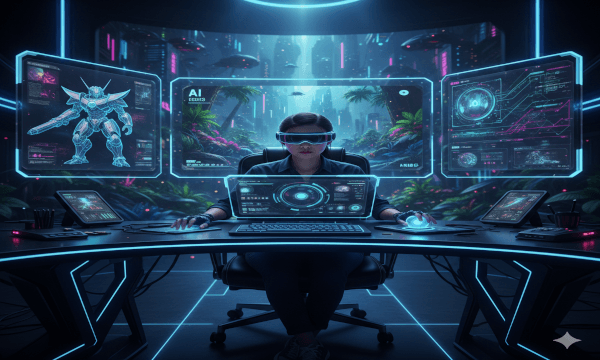
The New Era of Development Gone are the days when you needed a large studio or a decade of coding experience to build a video game. Artificial Intelligence has democratized development, acting as a force multiplier for solo creators. For beginners, AI isn’t just a tool—it’s a mentor, an artist, and a coding partner wrapped into one.
Your AI Starter Toolkit To get started, you don’t need to master everything at once. You just need the right AI assistants:
- For Coding: Use ChatGPT or GitHub Copilot. You can ask them to “Write a C# script for a character jump in Unity” or “Debug this movement code,” and they will provide usable code blocks and explanations.
- For Art & Assets: Tools like Midjourney or Leonardo.ai can generate 2D sprites, backgrounds, and UI elements from simple text prompts.
- For World Building: Blockade Labs allows you to generate 360-degree skyboxes for your game environments instantly.
- For Sound: Suno or AIVA can compose background music tracks to match the mood of your game.
A Simple 4-Step Roadmap
- Concepting: Use an LLM (like ChatGPT) to brainstorm game mechanics. Ask for “beginner-friendly game ideas that can be built in one week.”
- The “Greybox” Phase: Build your level in a game engine like Unity or Godot using simple shapes. Use AI coding assistants to write the logic for movement and interaction.
- Asset Generation: Replace your simple shapes with AI-generated art. Turn a grey cube into a “cyberpunk crate” using image-to-image AI tools.
- Polish: Use AI to generate sound effects and write dialogue for any NPCs (Non-Player Characters).
Conclusion AI won’t build the entire game for you; you still need to be the director. But it removes the “blank page” paralysis that stops most beginners. The best time to start building was yesterday; the second best time is now.

Leave a Reply